
The Second Robot Dog Arrives on the Twenty-Third

Her dad’s text lands on the twenty-third: a gift bag with a robot dog sticking out of the top. You wrapped that exact robot dog two weeks ago, and your mother’s package with a third one is on a truck somewhere.
Nobody messed up. Three households heard the same wish from the same kid, and none of them could see what the others bought.
A shared list fixes that if the app does four small jobs well. We read five free ones to see which do.
What does a Christmas wish list app for family have to do?
Four jobs, and none of them is fancy. The app hides every claim from your child. A giver can mark a gift “bought” in a couple of taps. You, the parent, still see who claimed what, because you are the one who has to stop the second robot dog. And a relative gets in without a new password.
That third job trips people up. Most apps hide claims from the list owner, which is right for an adult and wrong for a seven-year-old’s list that you run. Two App Store reviews, one from 2022 and one from December 2024, describe parents who ran the kids’ lists and could not see who had claimed what.
Three houses that each buy “a few things” also build the pile we cover in how many presents a child should get.
Which gift list app for family works for a grandparent with no account?
Start with the relative who holds a phone at arm’s length, because that person decides whether this works. Each line below comes from the app’s own site or store page, read on September 29, 2026. We did not test them hands-on.
- Giftster: Purchases are hidden from the list maker, and child accounts run kids’ lists from your login. Relatives sign in to their own accounts.
- CheckedTwice: Claimed gifts are marked for everyone except the recipient, and dependent accounts cover young children. Relatives join by email invitation.
- GiftList: A giver can reserve a gift on a shared list with no account, and the owner sees nothing until they choose to reveal it. The App Store page never mentions child accounts.
- Christmas List App: Claimed items are never shown to the recipient, and the FAQ says you can make a list for children who cannot set one up. Givers need an account to claim.
- Family Gift: Google Play says you can add your children from your profile and fill in their lists. Relatives join a shared house. We found no iPhone listing.
Only GiftList says a giver can skip the account, and that counts for more than most features, since the relative who dodges a new password is often the one who buys off the list. Our guides to what grandparents can buy without annoying you and what to do when a grandparent ignores your rules cover the gifts that skip the list.
Is a free Christmas list app for family really free?
All five list as free, and none of the pages we read shows a paid plan. That names the price and skips the cost.
Read the privacy box before you install. Giftster’s App Store label says identifiers may be used to track you across other companies’ apps and websites. GiftList’s label lists contacts among the data linked to you. Family Gift’s Google Play page says it shares no data with third parties.
Two sites also say how they earn. Christmas List App says it sometimes earns a small share of a sale made through a link on its site, and GiftList’s footer discloses affiliate links. Fair enough.
How do you set up the list with your child without handing over their data?

Start on paper. Let your child talk while you write the list in a notebook, at a table with no phone in reach. You get the real list, and a child’s thumbs stay out of a sign-up form.
Then type it in from your own login. Giftster’s help page on child accounts says a child account lives inside your account, has no login of its own, and turns up in member search by full name only. CheckedTwice calls its version a dependent account.
Give the app less than it asks for. Giftster wants a first and last name and shows it in group lists, so type the name your family says out loud. Leave the birthday blank if you do not want reminders, and skip any photo.
Running the list from your own login keeps you in that seat. A nickname, a blank birthday and no photo leave the app knowing very little about your child.
How do you share a Christmas list with family in two houses?
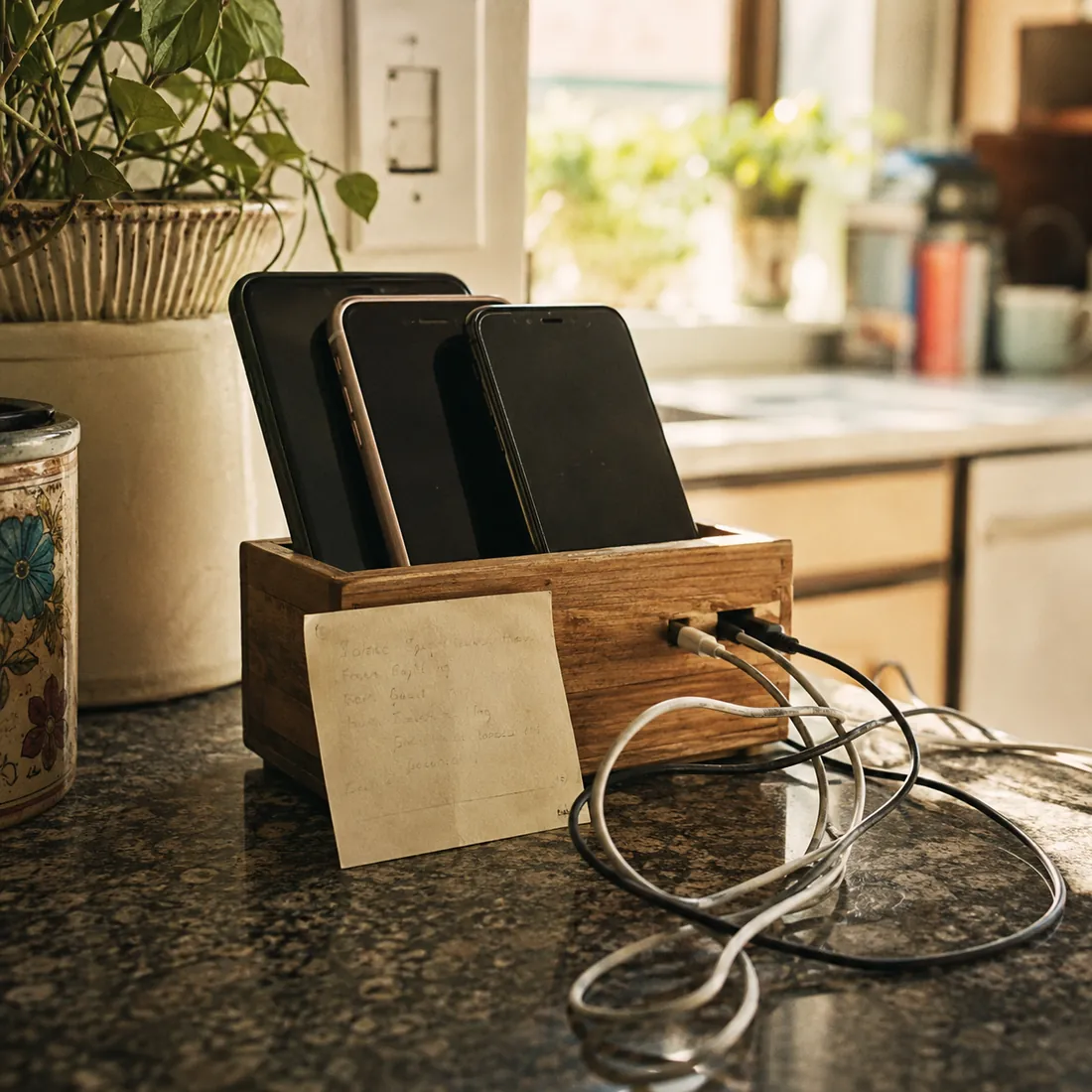
Send one link, from one phone, to both houses at once. Here is a text you can steal: “This is Mia’s list. When you mark a gift bought, everyone else sees it is taken and Mia sees nothing. Please mark it before you buy it.”
Give the other parent a job too. In Giftster, the second parent joins your group and you add them as a collaborator on the child’s list, and other givers cannot tell who helps run it.
Set a claim-by date, like December 10, and put it in the text. Then split the four slots from our four-gift rule guide between houses: one takes “want” and “wear,” the other takes “need” and “read.” If your budgets differ, settle the number first with how much to spend on kids for Christmas.
Claim for the morning too. The house that has your child when the gifts open claims those, and the other house takes the ones that ride home in the car. Our guide to co-parenting Christmas schedules shows four common ways to split the day.
Run the two-phone test before you send anything
Make a fake child named Test with two gifts, a robot dog and a pair of socks. On a second phone, open the shared link the way your mother would and mark the dog bought.
Now check three screens. The second phone should not ask for an account that a grandparent cannot manage. Your own phone should let you see who claimed the dog, even if it takes a tap to reveal it. And the list, viewed as your child would see it, should show no trace of the claim. If any screen fails, drop that app, delete Test, and try the next one on your list until one passes all three.
Leave the first comment
Share your thoughts
Frequently asked questions
It depends on your weak spot. Giftster fits parents who need to see claims on a child’s list, since its help pages say a child account shows you the purchase status. GiftList fits families where a grandparent will not sign up. CheckedTwice and Christmas List App sit between, with accounts for everyone.
Of the five apps we read up on, only GiftList says so: a giver can view a shared list and reserve a gift with no account. Giftster, CheckedTwice and Christmas List App ask relatives to sign up, and Family Gift asks them to join a house. Send the link early and walk one relative through it.
Pick the private or group-only setting, then send the link only to the adults who are buying. In Giftster, the help page says child account lists are not public unless you set them public, and member search finds a child account by full name only. Check what a signed-out browser shows before you send anything.
Not in any of the five, going by their own pages. Each says claims stay hidden from the recipient, or hidden until the owner reveals them, as GiftList puts it. The catch is a list you run for your child. Check that you can still see the claims, and keep the child off your logged-in phone.
Use one list, send one message to both houses, and ask everyone to mark a gift before they buy it. Add a claim-by date, and split the wish categories between the houses so each one has its own lane. The whole thing only works if the second house can open the list too.

I'm for the parent mid-meltdown - theirs or the kid's. I write from the actual floor of it: the crying that won't stop, the dinner thrown, the bedtime that unravels. Blunt because I respect you too much to pretend it's easy. Just what tends to work.
More from NourWhich tool earned its place - and which was a waste of money?
No right answers here - tell us how it went. Someone reading needs to hear it.
Join the conversation