
Screen Time Limits for Kids With ADHD: How to Stop the Fight Before It Starts
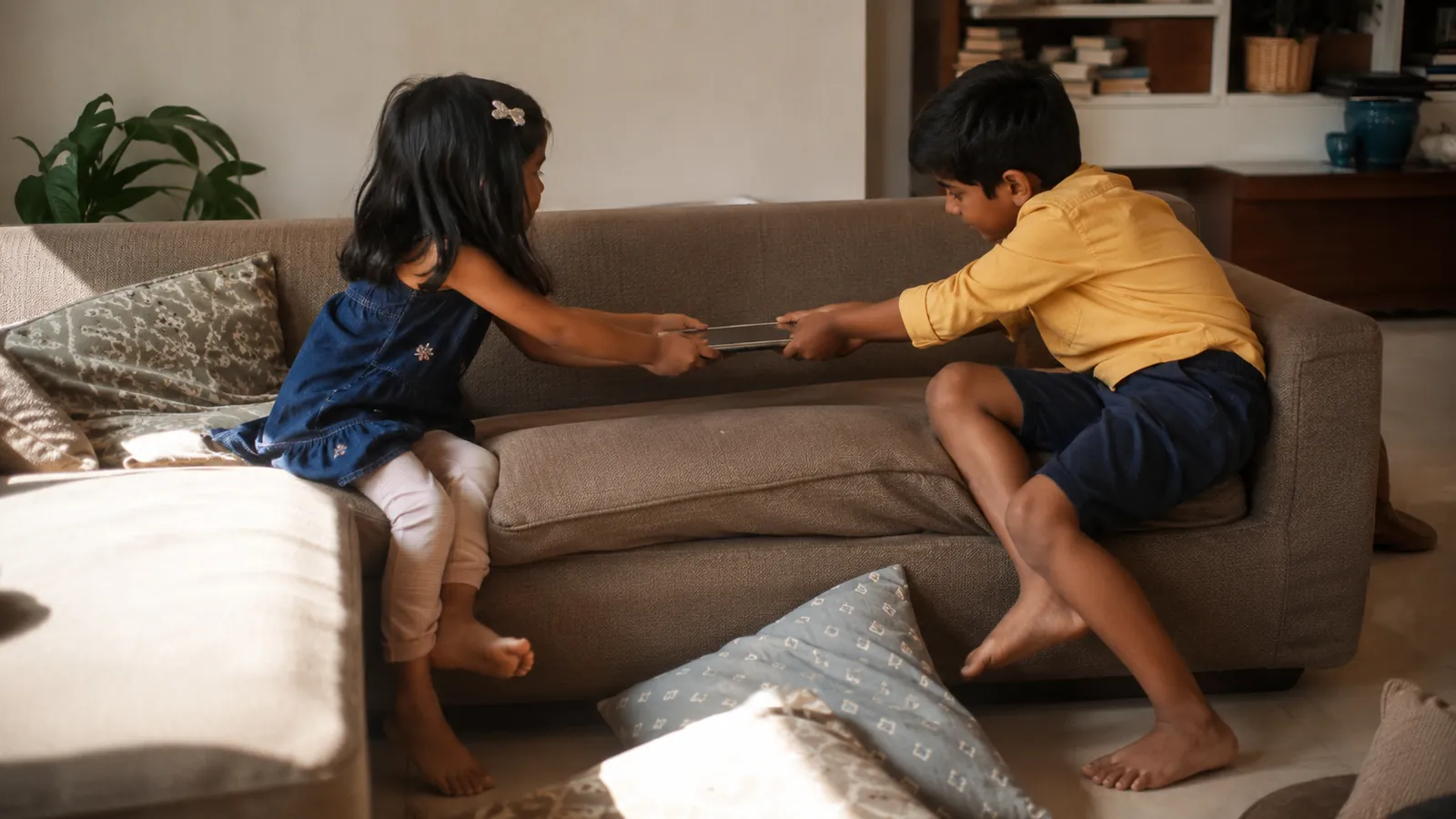
You can feel the fight building before the timer even rings. Your child is half-inside the game, your voice is getting sharper, and five more minutes has become a full-body negotiation.
Screen time limits for kids with ADHD work better when the ending is predictable before the screen starts. The limit matters, yes, but the transition matters more. Tell your child when screens happen, what ends them, and what their body gets to do next.
Why screen time feels stickier for ADHD brains
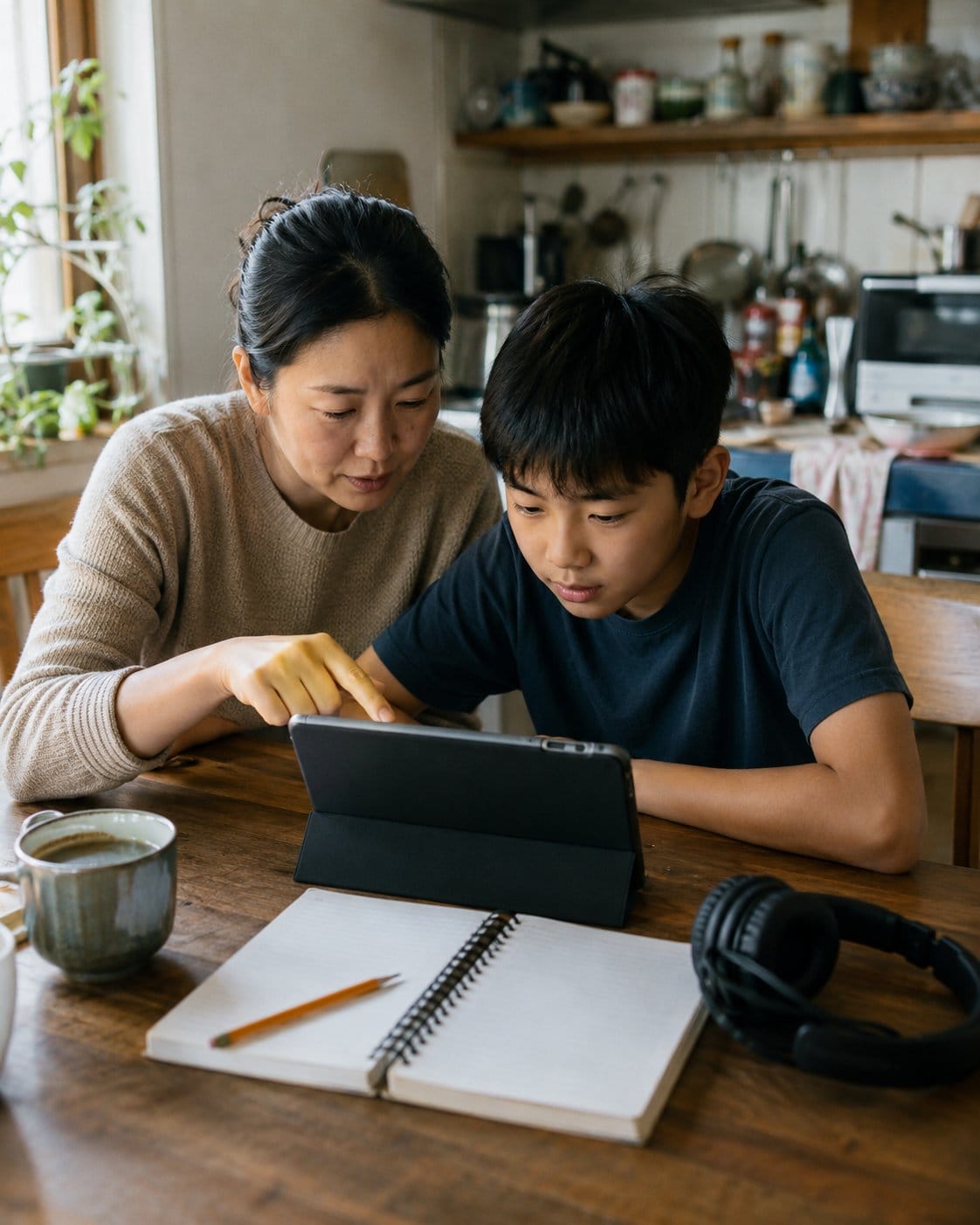
ADHD brains often struggle with stopping, switching, and waiting. Screens press right on those sore spots: instant reward, bright feedback, autoplay, tiny goals, another episode, another level, another clip. No wonder the handoff can feel enormous.
The CDC estimates that about 7 million U.S. children ages 3 to 17 had ever been diagnosed with ADHD in 2022. That is a lot of homes where the screen problem is a transition problem wearing a battery icon.
The American Academy of Pediatrics has moved away from one magic hour-count for every family. Its Family Media Plan guidance pushes screen-free zones, no autoplay, bedtime protection, and rules that fit your actual child. That is the saner lens here.
“A lot of these interactive features are very rewarding and can make it tough for kids to transition away from devices.”
Dr. Jenny Radesky, NIH News in Health
What limit should you set?
Start with the part of the day that keeps catching fire. If the worst fight is after school, fix after-school screens first. If bedtime is the mess, protect the last hour. If homework disappears into YouTube, put screens after the tiny homework start, not before it.
For many school-age ADHD kids, try 30 to 60 minutes of recreational screen time on school days, with longer blocks saved for weekends. Do not treat that as law. A child who hands back a tablet calmly after 25 minutes is doing better than one who gets 15 minutes and screams for 40.
Separate the screen types too. Homework tablet, video call with grandma, slow family movie, gaming, scrolling shorts, and YouTube autoplay do not hit the nervous system the same way. The rule can be: school screens are for school, family TV is shared, solo games need a timer, shorts are weekends only. Messy, but useful.
If you already use tools, pair this with your parental control app setup. Controls should hold the boundary in the background, not turn every evening into you grabbing the device.
How do you stop the fight before it starts?
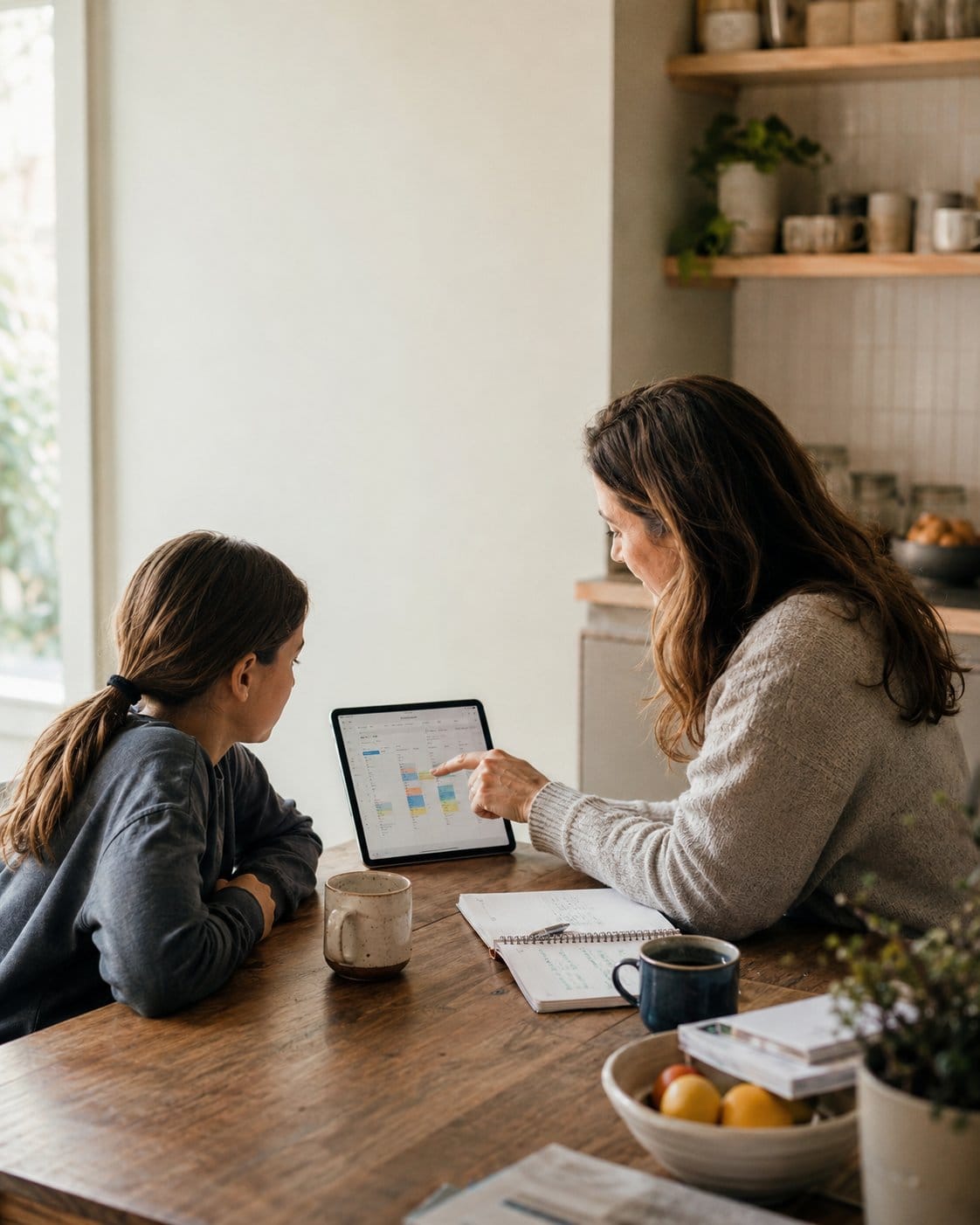
Do the warning before the screen starts, not when your child is already deep in it. Try: You get one episode. When the credits start, you hand it to me and choose snack or Lego. The brain needs a bridge.
Use a visual timer if time is the slippery bit. Some kids do not feel ten minutes passing until it is gone. A shrinking disk, a kitchen timer, or a playlist ending can make time less invisible. Your visual timer list is perfect for this because the timer becomes the reminder, not your tired voice.
Turn off autoplay. This boring setting saves arguments. Autoplay creates a false cliff: the next video has already started, so stopping now feels like losing something. Stop at a natural ending, not in the middle of a reward loop.
What if screens are the only thing that calms them?
Sometimes they are the only thing that works today. No shame. You may be cooking, working, feeding a baby, or sitting on the kitchen floor for one minute. Anyway, real life is not a lab.
Still, if screens are the only calming tool, the handoff gets harder over time. Build two non-screen options that live near the device: headphones and drawing pad, snack and trampoline, weighted blanket and audiobook, shower and pajamas, dog walk and hoodie. Keep it ordinary enough that you will actually do it.
Child Mind Institute’s guidance on screens and neurodivergent kids points to the same risks parents notice at home: focus, sleep, mood, and transition problems get worse when screens crowd out the basics. The basics still win.
If your child needs sensory input after screens, borrow from your sensory play ideas. If they need routine scaffolding, the ADHD routine apps can help you keep the plan visible without making your phone the boss of the house.
Make the rule boring enough to survive
Write it down in one sentence. Put it where the screen happens. A school-day rule might be: screens after snack and backpack check, one show or 30 minutes, then outside or shower. A weekend rule might be: games after chores, one timer block, then food and movement.
The first week will be messy. Your child may test the edge because the old rule bent. Hold the boundary smaller than your speech. Same words, same ending.
If you lose it once, repair and restart. A screen plan is not a personality test. It is a rail for the part of the day where everyone gets a little more feral than expected.
Frequently asked questions
There is no perfect number for every ADHD child. Many families start with 30 to 60 minutes of recreational screen time on school days, then adjust by behavior, sleep, and transitions. The better question is whether your child can stop, sleep, move, and do basic routines afterward.
Screen time does not cause ADHD by itself, but too much fast, unstructured, or late-day screen use can make ADHD symptoms feel bigger. Focus, sleep, mood, and transitions are the usual pressure points. Content, timing, and stopping routines matter as much as the total minutes.
Many ADHD kids struggle with switching away from high-reward activities. Games and videos give quick feedback, so stopping can feel like a sudden drop. Warn before the screen starts, stop at a natural ending, turn off autoplay, and offer a next activity for their body.
Parental controls can help if they quietly hold a boundary you already explained. They work poorly when they become a surprise punishment. Tell your child what the app will do, when it will lock, and what happens next, so the tool supports the rule instead of replacing you.
Pick something physical, sensory, or connecting. Good handoffs include snack, outside time, trampoline, drawing, shower, audiobook, dog walk, or sitting near you while you cook. The next activity should be decided before the screen starts, not negotiated while your child is already upset.