
The Apps That Make ADHD Routines Less of a Battle

The routine chart is on the fridge. You’ve updated it twice this term. And this morning, same as Tuesday, it all fell apart before the shoes were on.
Routines are genuinely hard for children with ADHD, not because they’re being difficult, but because the part of the brain that manages sequences, time, and transitions works differently. Dr. Russell Barkley, one of the world’s leading ADHD researchers, has described the condition as fundamentally “a disorder of self-regulation” rather than attention. The problem isn’t knowing the steps of a routine. It’s doing those steps, in order, without someone holding the thread for them.
A paper chart can hold the steps. It can’t fire an alert. It can’t move with your child from room to room. It can’t tell them they’re three minutes from leaving the house. That’s where apps do something a fridge chart genuinely cannot. The one built most deliberately around that gap is Tiimo, which we put through its paces in our Tiimo review.
What makes an app work for an ADHD child (and what sinks it)
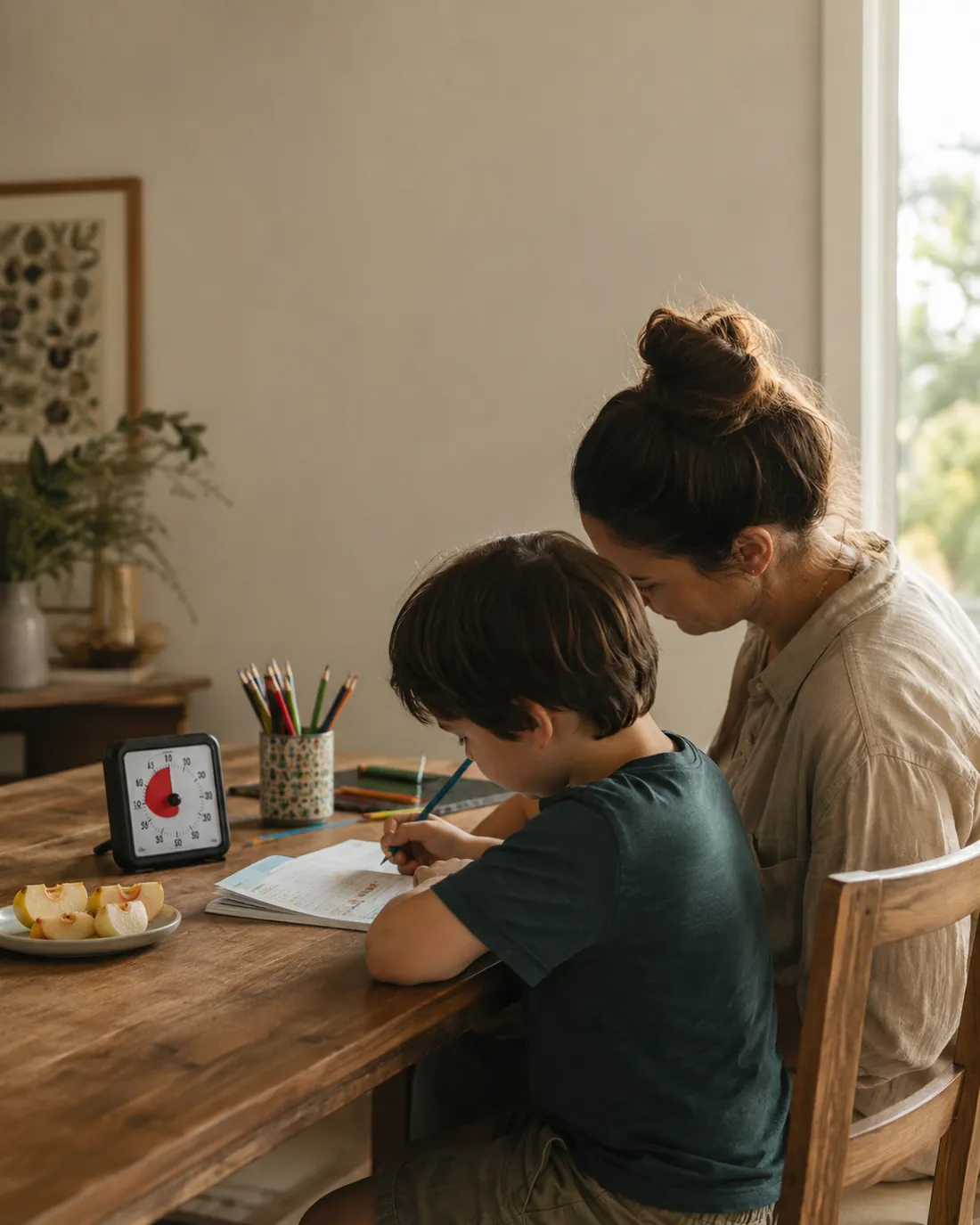
Not all apps built for “productivity” or “routines” are built with an ADHD brain in mind. A text-heavy checklist is no better than a paper one. Long menus, multiple taps to get to the routine, notification fatigue: these are the things that end a new system within two weeks.
The apps that actually help ADHD children tend to share a few traits. They’re highly visual, ideally with pictures or icons rather than text labels. They have a built-in timer that runs automatically so your child can see time passing rather than having to think about it. They’re simple enough to load in one tap. And they let a parent adjust things in the background without the child having to learn a new interface every time you tweak something.
That’s the short list. Apps that meet all four criteria are not especially common.
The ones that hold up
Tiimo. This is probably the best-known visual routine app designed specifically for neurodivergent users. It builds a timeline of the day with icons and automatic timers, and the parent manages everything through a companion account. It works especially well for children from around age seven upwards, and for teenagers who want more independence with their schedule. The interface is genuinely calm and uncluttered. We reviewed it in detail separately, so if Tiimo is on your list, that’s the right place to start.
Routinery. Where Tiimo shows the whole day, Routinery focuses on one routine at a time: morning, evening, homework. Each routine runs as a step-by-step flow with a timer per step, a satisfying tick when done, and a streak counter that some children find genuinely motivating. The parent sets the steps and timers in advance; the child just opens the app and presses start. It’s available on iOS and Android, and the free tier covers one or two routines, which is often enough to test whether the format works for your child.
Choiceworks. For younger children or those who need more visual support, Choiceworks uses photographs rather than icons, which can make a significant difference for children who struggle to generalize from a symbol to a real-world object. You build the routine from a library of images (or your own photos), and the child taps through each step. It’s iPad-focused and has a smaller footprint than Tiimo, which is part of its appeal for families who want something less feature-heavy.
Visual Schedule Planner. The most flexible of the four. You build entirely custom visual schedules from photos, icons, or text cards, set timers, and control the level of visual support (first-then cards, multi-step sequences, daily overviews). It’s been widely used in ADHD and autism support for years, and the interface shows it: it is not beautiful, but it is reliable and highly configurable. Worth trying if your child needs a schedule built around very specific, non-standard steps.
The honest part no one mentions
An app does not run itself. For the first two to three weeks, most children with ADHD will need a parent to prompt them to open it, to sit beside them for the first few steps, and to troubleshoot when they skip a notification or leave the phone on the kitchen table. The routine the app is supporting has to be built and reinforced in the real world at the same time.
After that initial period, most families find the app starts to do more of the holding. The transition from “parent-holds-the-sequence” to “app-holds-the-sequence” doesn’t happen immediately. Which matters more than it sounds, because a lot of parents install an app, hand it to their child on day one, and conclude it doesn’t work.
Right. None of them work on day one. The ones that work are the ones where a parent is willing to be annoying about it for two weeks.
Frequently asked questions
Most visual routine apps are usable from around age five or six with a parent present. Tiimo and Routinery suit children from about seven onwards who can operate a phone independently. Choiceworks works well from age four. The right age depends more on whether your child can engage with the interface than on any specific threshold.
Not at first. Most children with ADHD need a parent alongside for at least the first two to three weeks, prompting them to open the app and work through the steps. After that initial period, many children become more independent. Expecting the app to run itself from day one is the most common reason families conclude it doesn’t work.
No. Tiimo is a polished timeline-based app focused on visual daily planning, with a companion account for parents. Visual Schedule Planner is an older, more configurable tool that lets you build custom step-by-step sequences with your own photos. Tiimo is better for an independent schedule overview; Visual Schedule Planner is better for highly custom, specific routines.
Tiimo and Routinery are available on both iOS and Android. Choiceworks is iPad-only. Visual Schedule Planner is available on iOS. If your child uses an Android device, Tiimo or Routinery are the most reliable options.
Yes, all four can be used to build an after-school or homework routine as well as a morning or bedtime one. Routinery is particularly well suited to this because each routine runs as a standalone session, so the homework routine is entirely separate from the morning one rather than being one part of a long day-view.

I'm for the parent about to spend money they're not sure about. I buy the gadget, live with it, and give you the honest verdict - including the 'don't'. I've burned through enough hype to save you the cash, and when something truly earns its place, I'll show you exactly why.
More from TylerWhich tool earned its place - and which was a waste of money?
No right answers here - tell us how it went. Someone reading needs to hear it.
Join the conversation